
Does RAM Speed Affect FPS? Single vs Dual Channel & XMP
Why running DDR5 at default speeds costs you frame-time stability, and the free fixes that recover it.
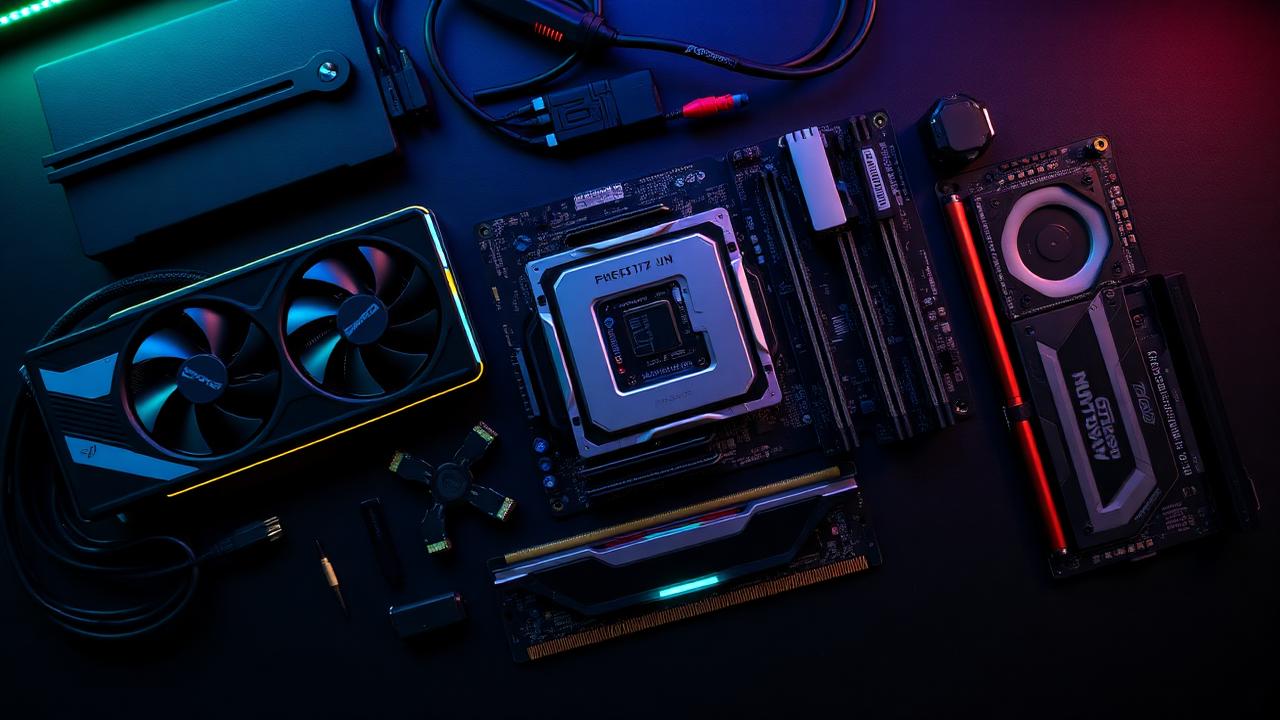
Short answer: yes, more than you think
Average FPS may barely change with faster RAM. 1% lows and frame pacing absolutely do, especially on Ryzen, where memory speed drives Infinity Fabric performance.
The default-speed trap
Out of the box, most boards run RAM at JEDEC defaults, typically 4800 MT/s for DDR5 even when the kit is rated for 6000. The fix takes 30 seconds:
- Reboot into BIOS.
- Enable XMP (Intel) or EXPO (AMD).
- Save and reboot.
You just unlocked the speed you already paid for.
Single channel kills frame pacing
One stick = single channel. Two matching sticks in the right slots = dual channel = roughly double memory bandwidth. On laptops with one SO-DIMM, adding a second matching stick is the cheapest "FPS upgrade" available.
How to check
Open Task Manager → Performance → Memory. Look at Speed (should match your kit's rated XMP/EXPO speed) and Slots used (should be 2 of 2 or 4 of 4 for dual channel).
When it really matters
- Ryzen 5000 / 7000 series.
- 1080p high-refresh gaming.
- Open-world games with heavy streaming.
- Streaming + gaming on the same machine.
Want to feel the gain?
Run the bottleneck calculator twice, once with 8 GB single channel selected, once with 16 GB. The bottleneck percentage shifts noticeably. For most people, dual-channel + XMP is the highest-ROI tweak you can make.
Related reading
Run your own numbers
Open the free bottleneck calculator or estimate FPS with the FPS calculator.