
CPU Thermal Throttling: Symptoms, Causes and Real Fixes
When the CPU gets too hot it slows itself down. Here is how to tell, why it happens, and how to stop it.
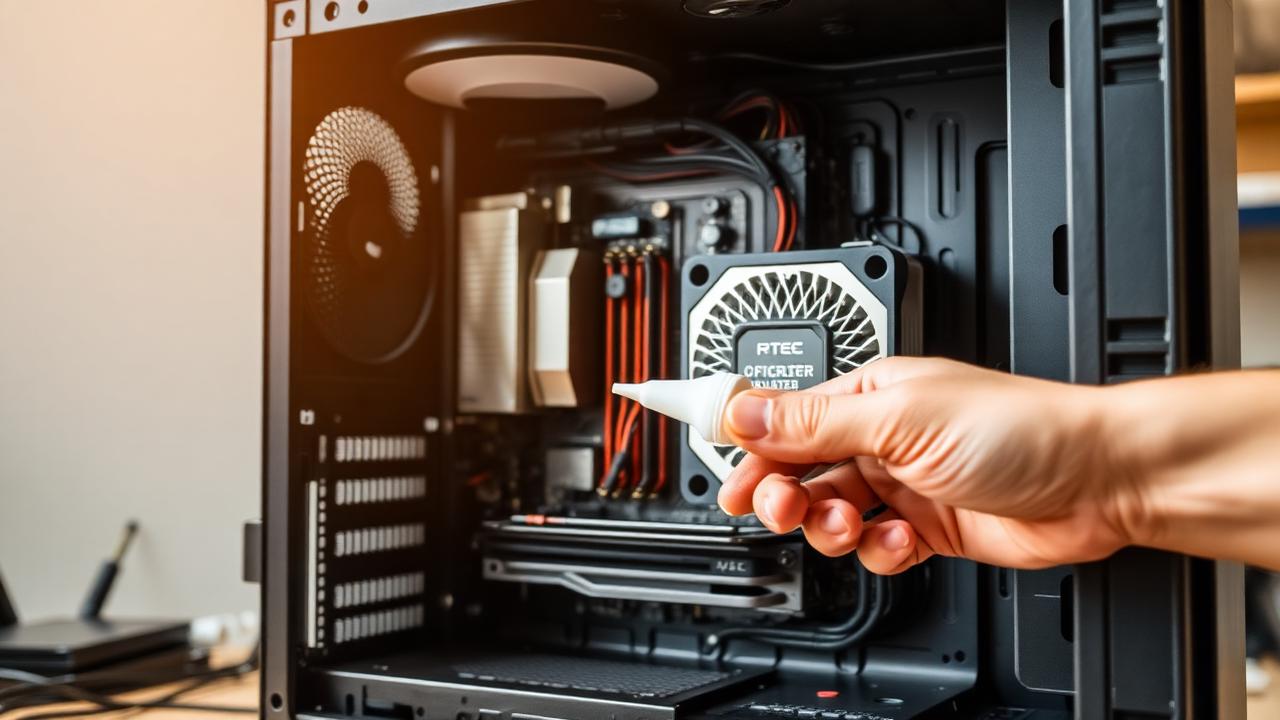
What thermal throttling is
Modern CPUs have a thermal limit (TJ Max). Hit it and the chip drops clock speed automatically to protect itself. The result looks exactly like a CPU bottleneck, except adding faster silicon will not fix it.
Symptoms
- FPS drops after the first 5-10 minutes of a session.
- HWInfo64 shows the CPU pegged near 95-100 °C.
- "Power Limit Throttle" or "Thermal Throttle" flags go true.
- CPU clock speed falls under load instead of staying boosted.
Why it happens
- Stock cooler on a 13700K-class chip, under-cooled.
- Old thermal paste (3+ years).
- Dust-clogged tower or fans facing the wrong way.
- AIO pump dying or air bubbles trapped at the block.
- Aggressive AVX workloads with default voltage.
The fix ladder
1. Repaste with quality compound. Removes the most common cause.
2. Clean filters and fans. Free.
3. Set a sensible power limit in BIOS, for example, capping a 13900K at 200W loses ~2% performance and removes throttling entirely.
4. Upgrade cooler if the CPU is i7-class or higher.
5. Improve case airflow, front intakes, top + rear exhaust.
Want to verify?
Run Cinebench R23 for 10 minutes while watching HWInfo64. If clocks fall and temps stay at 100 °C, you have throttling. Pair the fix with the bottleneck checks for a full picture.
Related reading
Run your own numbers
Open the free bottleneck calculator or estimate FPS with the FPS calculator.